
Ⅰ.Introduction
When Every Second Matters, How You Control Replay Matters
A common question from newcomers to live replay production is:
“If replay software runs on a computer, why invest in a dedicated replay controller?”
After all, every computer already has a keyboard and a mouse.
Technically, a keyboard and mouse can control replay software. But professional live production is not simply about whether a command can be executed.
It is about how quickly, accurately, and consistently that command can be executed when the pressure is on.
In a live sports production, an exciting moment may last only a fraction of a second. Once it happens, the replay operator may have only a few seconds to find the moment, select the right camera angle, set the replay range, adjust playback speed, and prepare the sequence for air.
There is no time to search through menus.
There is no time to move a cursor across a screen.
And there is certainly no time to wonder which keyboard shortcut to press.
This is where professional replay controllers make a fundamental difference.
They are not simply another way to control replay software. They are designed around the workflow of live replay itself.
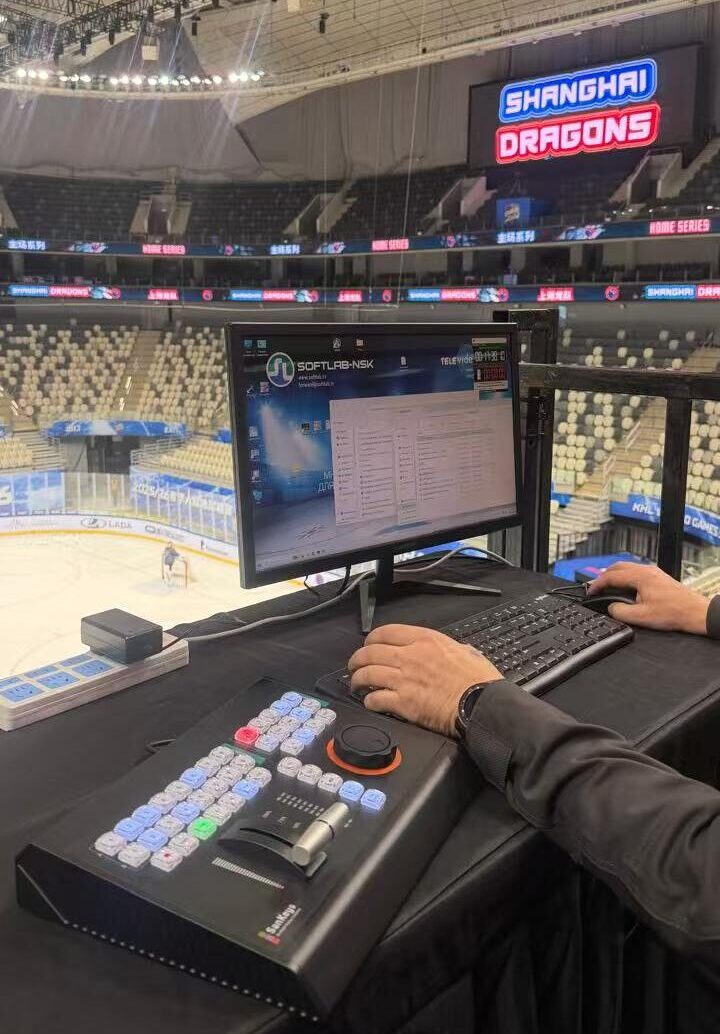
Ⅱ.Live Replay Is a Race Against Time
Imagine a football match.
A striker scores.
The director calls for a replay.
Within seconds, the replay operator needs to turn that moment into a clean, compelling replay.
The workflow may involve:
Locate the event → Select the camera → Mark IN → Mark OUT → Adjust speed → Preview → Play to air
And while all of this is happening, the live event continues.
The operator must also remain ready for the next important moment.
This is why professional replay is built around operational efficiency, not simply software capability.
The software may provide hundreds of functions. But during a live production, operators need the functions they use most to be immediately accessible.
The fewer steps between “something happened” and “replay is on air,” the better the workflow.
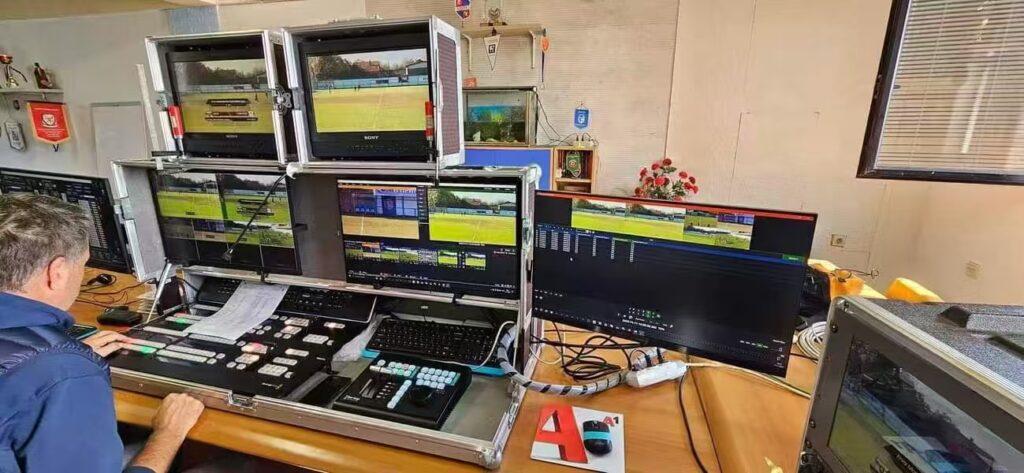
Ⅲ.Why a Standard Keyboard and Mouse Fall Short
A conventional keyboard and mouse are excellent general-purpose computer input devices.
But they were never designed specifically for live replay.
A mouse is designed to move a cursor.
A keyboard is designed to enter text and commands.
A professional replay controller is designed to control video.
That difference becomes especially important during live production.
Replay operators rarely have the luxury of looking down at their hands. Their attention must remain on live feeds, preview monitors, timelines, multiview displays, and the action happening on screen.
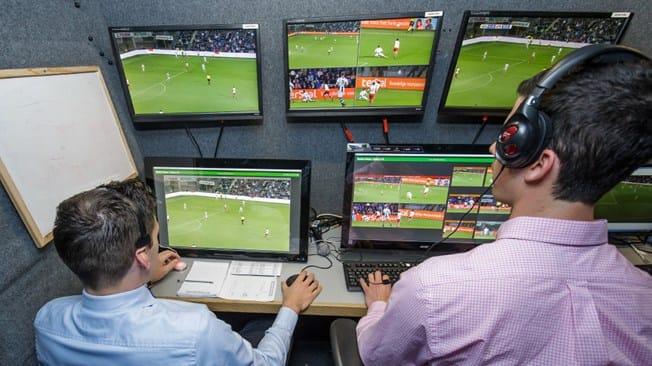
With a standard keyboard and mouse, operators often need to:
- Move the cursor
- Locate a software control
- Click a button
- Navigate a menu
- Select an option
- Return to the timeline
Each individual action may take only a moment.
But live production is made up of hundreds of such moments.
Over an entire event, those extra movements add up.
Ⅳ.Physical Controls Turn Actions Into Muscle Memory
One of the biggest advantages of a dedicated replay controller is something that software alone cannot easily provide:
Physical feedback.
A professional controller places frequently used functions in fixed, predictable positions.
Operators learn the layout.
They develop muscle memory.
And after sufficient training, many actions can be performed without looking down at the controller.
That means the operator can keep their eyes on the production screens while their hands remain on the controls.
This is more than convenience.
It reduces unnecessary visual movement and helps operators react more naturally during high-pressure situations.
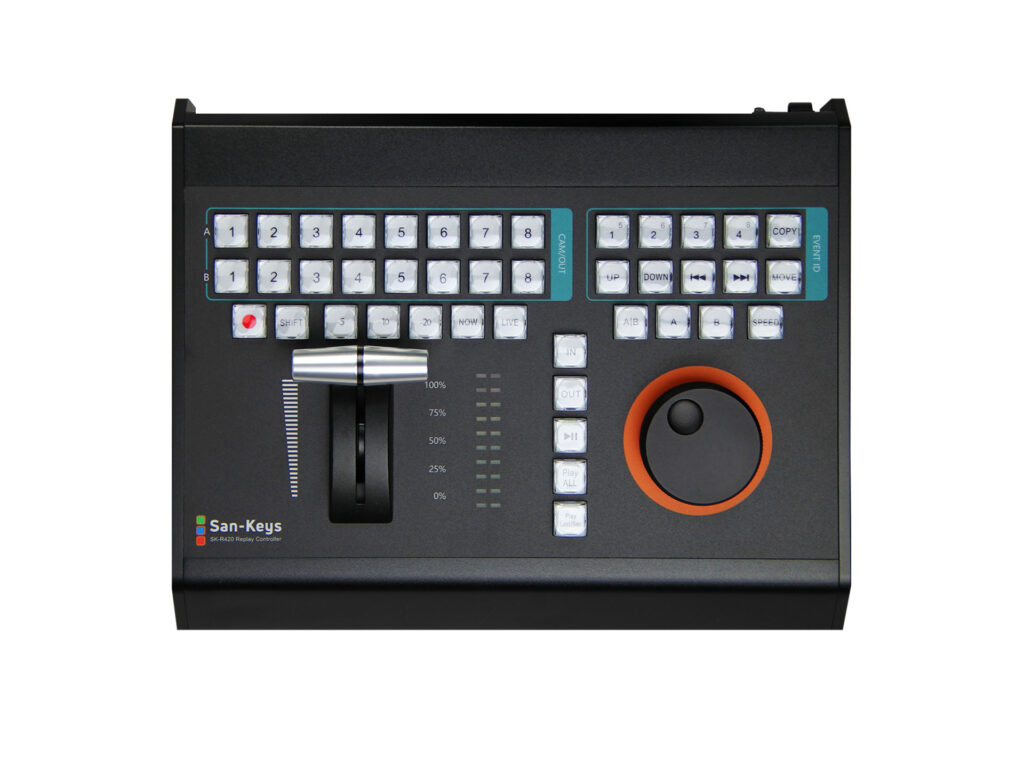
The Value of Dedicated Buttons.
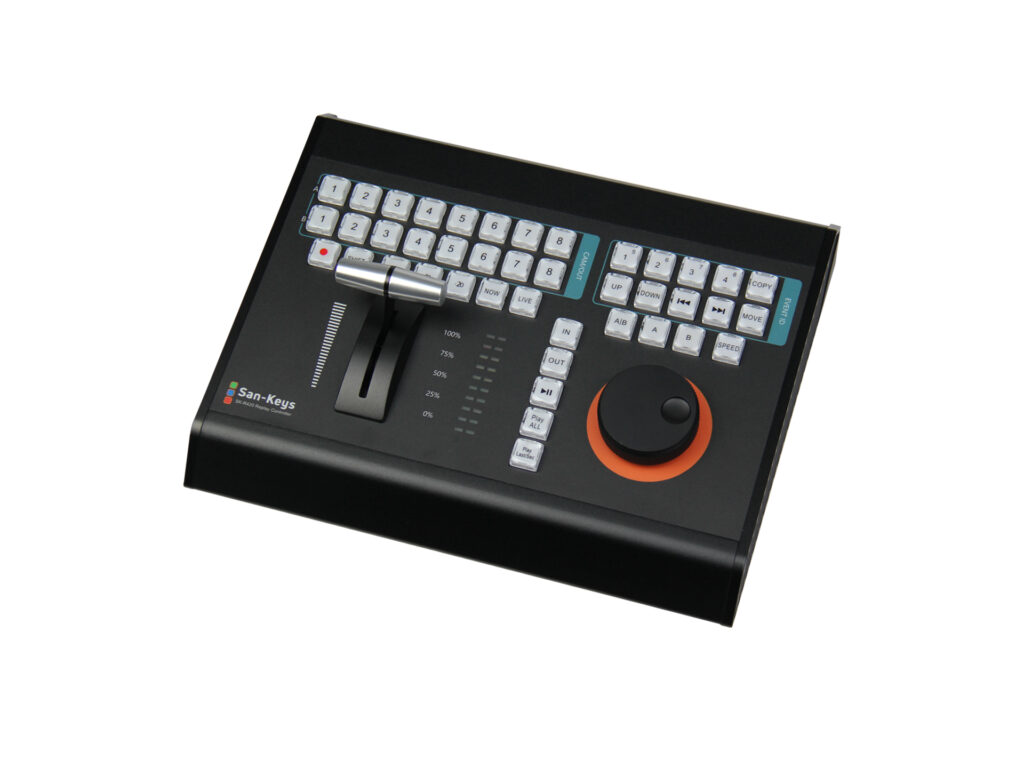
A professional replay controller can assign dedicated physical controls to the functions operators use most frequently:
- Mark
- IN
- OUT
- Play
- Stop
- Next
- Previous
- Camera / Angle Selection
- Live
- Record
- Clip Management
Instead of searching through software menus, the operator can access a function with a single physical action.
This is particularly valuable when several operations need to happen in rapid succession.
One action. One control.
That simple relationship is one of the fundamental differences between a general-purpose computer interface and a purpose-built broadcast control surface.
Ⅴ.Why Jog Wheels Remain Essential for Professional Replay
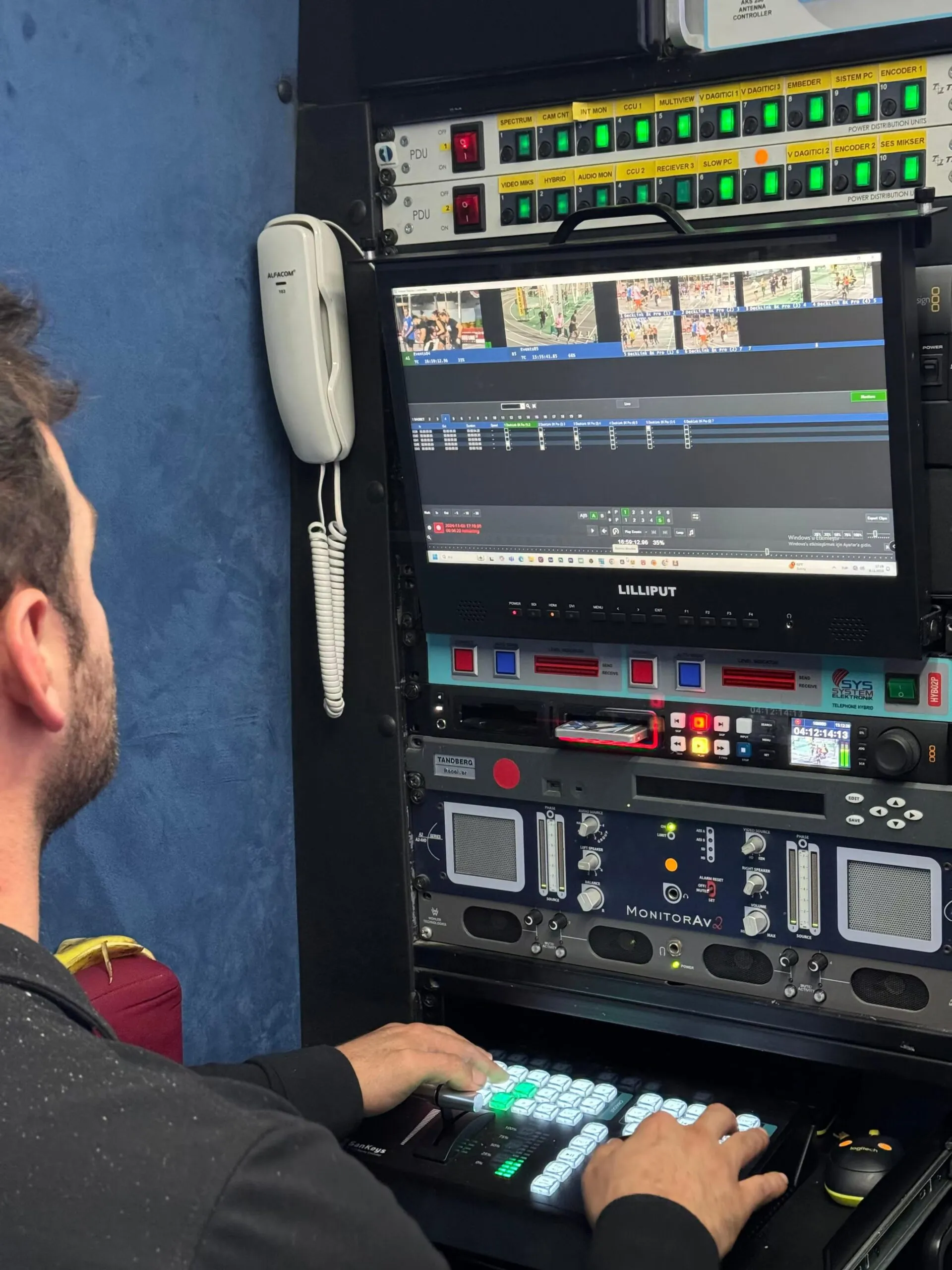
If there is one control that immediately communicates the difference between a professional replay controller and a standard keyboard, it is the Jog Wheel.
A mouse moves a cursor.
A Jog Wheel moves through video.
That distinction is critical.
When reviewing a fast-moving sports event, the operator may need to find one specific frame among hundreds or thousands of frames.
With a Jog Wheel, the operator can physically move through the timeline and precisely control the position of the video.
This enables operations such as:
- Frame-by-frame navigation
- Rapid timeline searching
- Forward and reverse shuttle
- Precise event positioning
- Detailed review of critical moments
Consider a few examples:
Football: Was the player offside?
Basketball: Did the ball leave the player’s hand before the buzzer?
Tennis: Did the ball touch the line?
Motorsport: Exactly when did the contact occur?
In these situations, replay is not simply about watching the video again.
It is about finding the right frame.
Ⅵ.T-Bar: Smooth, Real-Time Speed Control
Replay is not simply about moving through video.
It is also about controlling how the video moves.
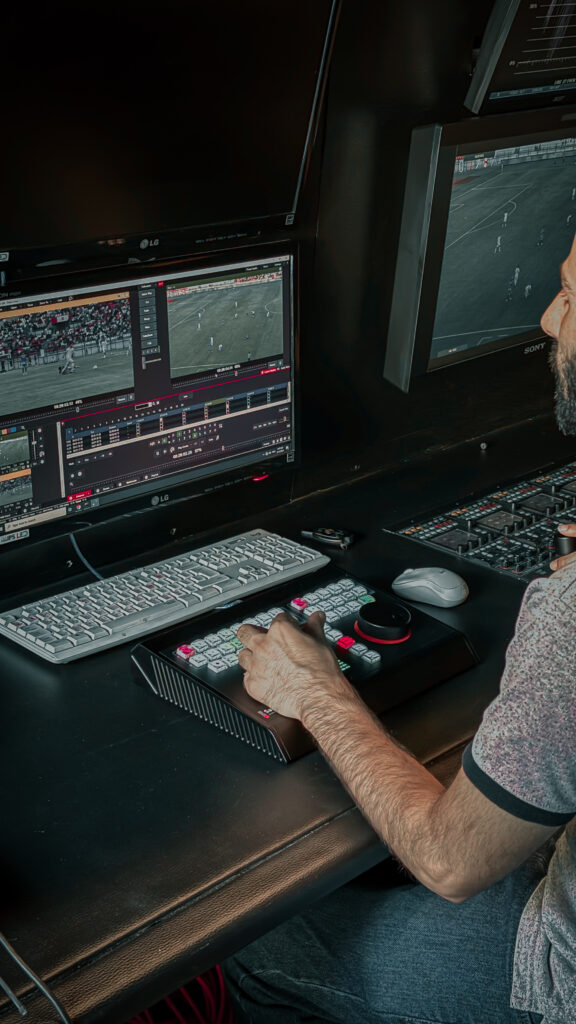
This is where the T-Bar becomes one of the most important physical controls on a professional replay controller.
Instead of selecting fixed playback-speed buttons, the operator can continuously control playback speed using a single physical control.
From normal speed to slow motion, from slow motion to freeze, and back again, the operator can shape the replay in real time.
This creates a much more natural and controlled replay experience.
For example:
100% → 75% → 50% → 25% → 0%
The operator can slow down the exact moment that matters, hold a critical frame, and then return to normal playback when needed.
This level of direct speed control is difficult to reproduce with a conventional keyboard-and-mouse workflow.
Ⅶ.Software Is Powerful. Hardware Makes It Immediate.
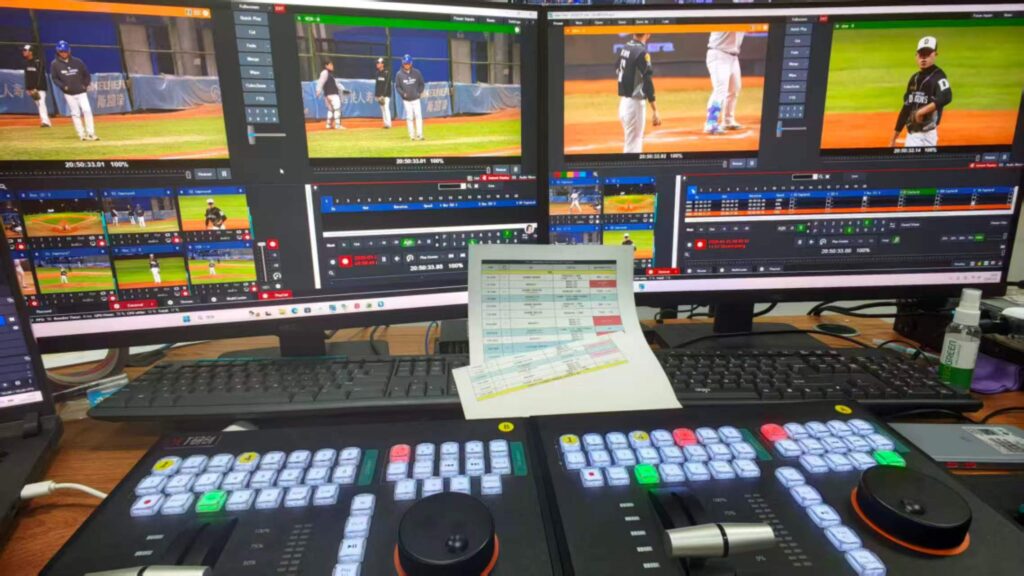
Modern replay software provides increasingly powerful capabilities.
But software and hardware serve different purposes.
Software provides the intelligence, processing, recording, editing, and replay engine.
The controller provides the human interface between the operator and that system.
This is why professional replay is best understood as a combination of:
Powerful Software + Purpose-Built Hardware + Skilled Operator
The software makes advanced replay possible.
The hardware makes that capability immediately accessible.
And the operator turns it into a live production.
Ⅷ.The iSanKeys Solution
The iSanKeys Replay Controller is designed to bring these requirements together in a single professional control surface.
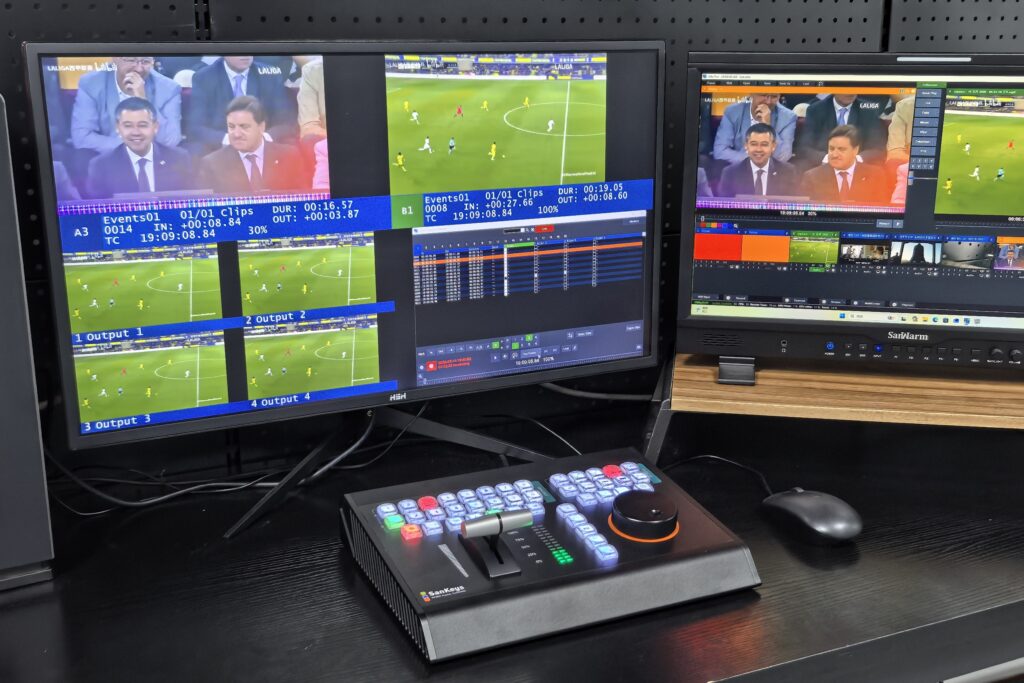
It combines:
Broadcast-Grade Buttons
For fast and reliable access to frequently used replay functions.
Precision Jog Wheel
For accurate timeline navigation and frame-level control.
T-Bar Fader
For smooth, real-time playback speed adjustment.
Customizable Function Keys
For adapting the controller to different production workflows.
Ergonomic Layout
For comfortable operation during extended live productions.
With support for professional replay workflows and integration with platforms such as vMix and FairReplay, iSanKeys controllers are designed to help operators manage instant replay, highlight creation, multi-camera playback, and precise video navigation more efficiently.
Ⅸ.Conclusion
Outstanding replay production is not defined by software alone.
It is the combination of software, hardware, workflow, and operator skill that determines how quickly and accurately a critical moment can be transformed into a compelling replay.
A keyboard and mouse may be enough to operate replay software.
But professional live production demands more.
It demands controls that are immediate.
It demands precision.
It demands repeatability.
And above all, it demands a workflow that allows operators to keep their eyes on the action instead of searching for commands on a screen.
That is why professional replay controllers continue to play an important role in modern live production.
Because when the moment happens, there is no second chance.
Every second matters.
Every frame matters.
And the right control can make the difference.